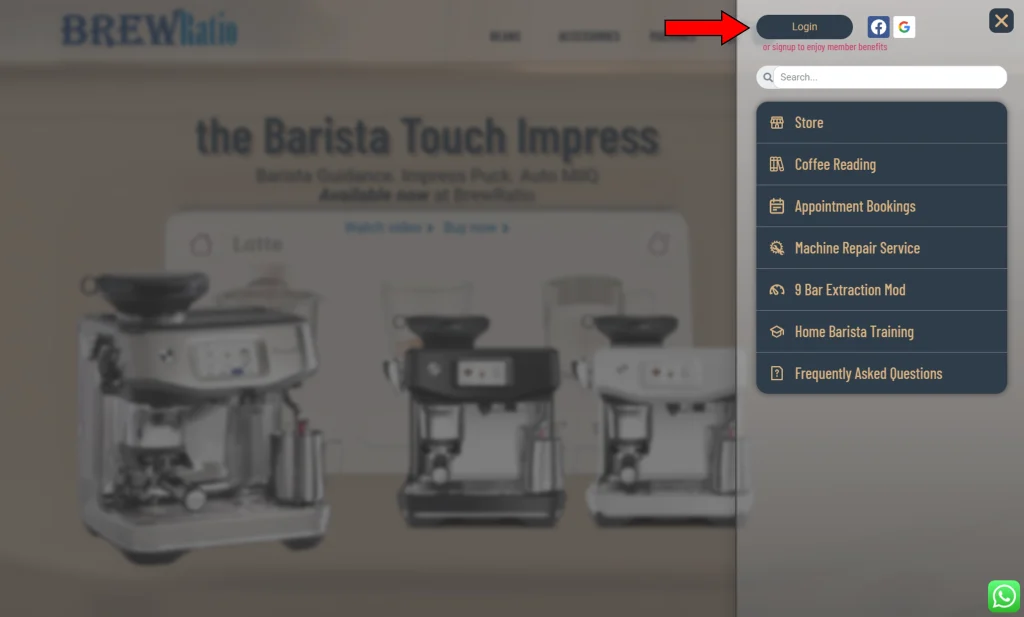
To access your account, you have two options:
- Click on the hamburger menu located at the top right corner of the page. From there, select the “Login” button to sign in to your account. If you prefer, you can also choose to log in using your social media account.
- If you are already logged in, the button will display your name and avatar. By clicking on it, you will be directed to your account page.
Alternatively, you can directly access your account by clicking on the following link:
https://www.thebrewratio.com/my-account/